History and documentary
Warm documentary or Vintage film to make mixed sources feel like one archive.

Pictures from different sources rarely match: an AI image here, a stock clip there. Pick a colour look and every photo and clip gets the same grade, with film grain, a vignette and cinema bars if you want them, so the video reads as one piece of film.
A colour look is a grade applied to every photo and video clip in your project: its colour balance, contrast, curves and saturation. Each of the eight looks was graded on real footage and is applied the same way in the live preview and in the export.
On top of the grade, a finish covers the whole frame: film grain, a vignette and cinema bars. Each look brings its own grain and vignette when you pick it, and you can change them afterwards.
Pictures from different places rarely match. Pick a colour look and every photo and clip in your video gets the same grade, so it feels like one film instead of a pile of images. You pick from a grid that shows your own first picture in every look.
It's in the new-project wizard, on the create screen and in the Look tab on the timeline. The live preview shows it as you scrub.
 Cinematic
Teal shadows, warm highlights
Frames from a Vid Optimus project, graded with each look at full strength.






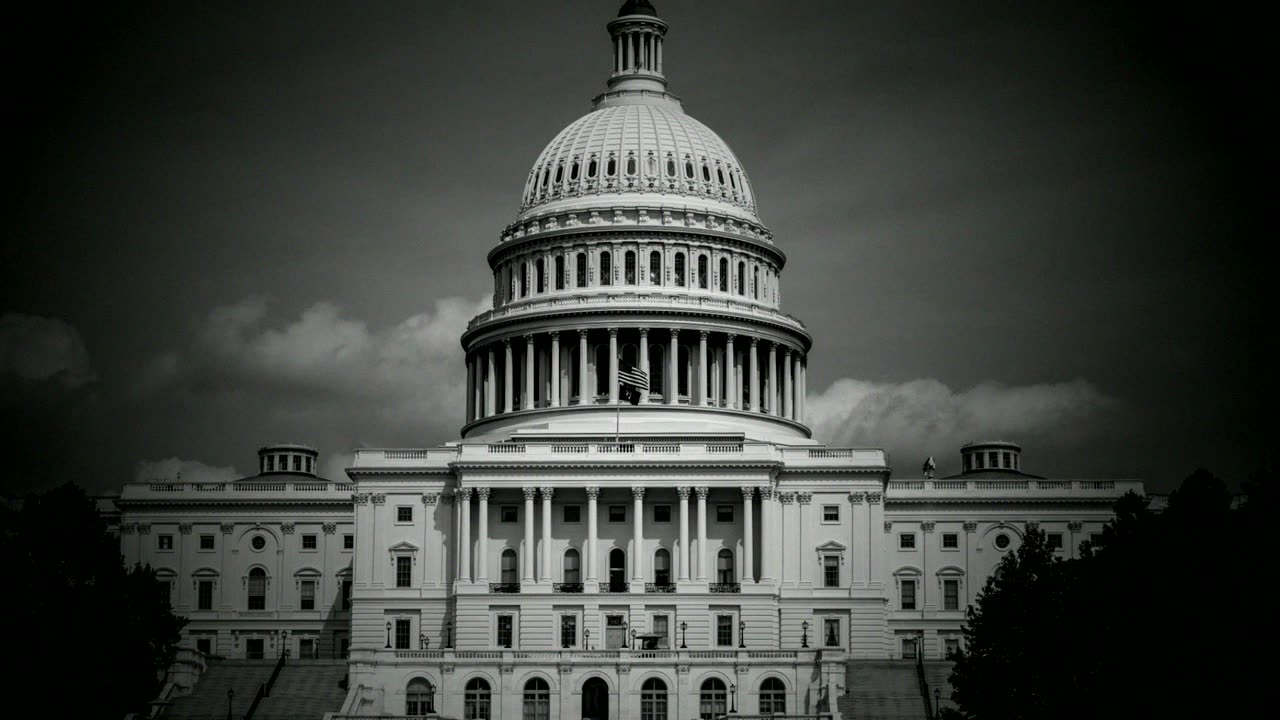

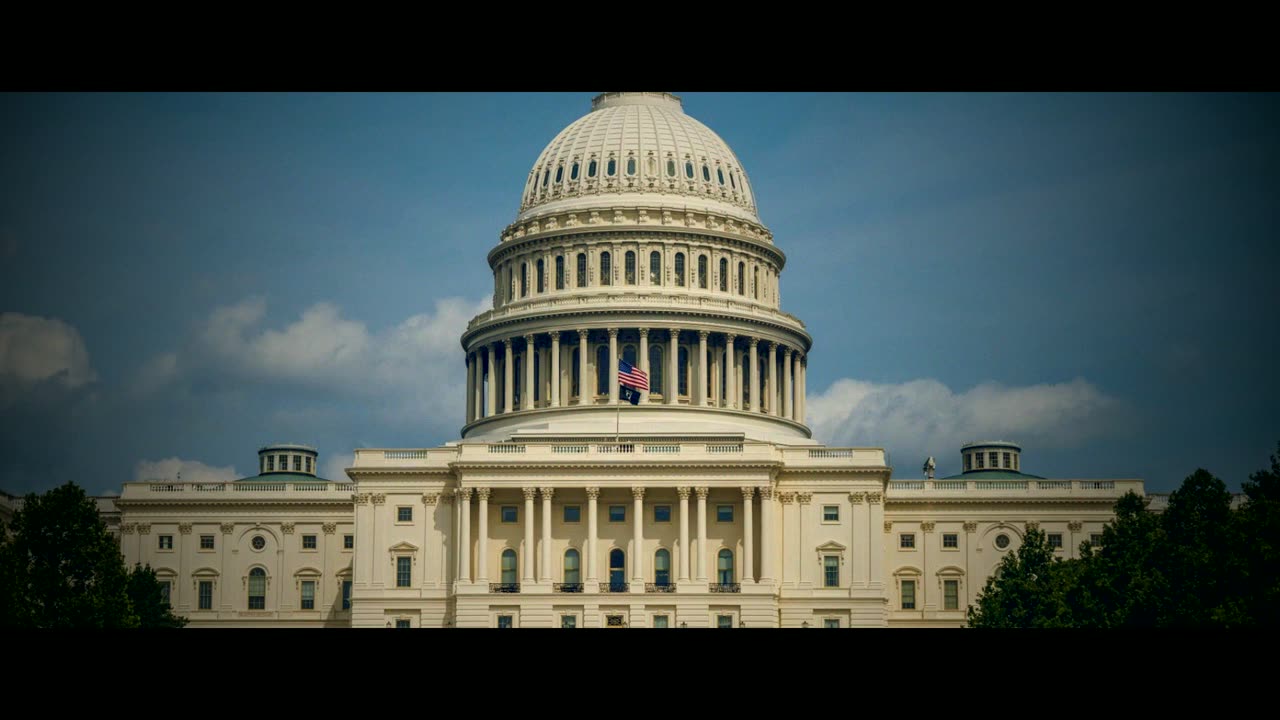
Choose from a grid that shows your own first picture in every look, so you see the grade on your footage, not on a sample. A Strength slider goes from a light touch to the full grade.
Grain is fine or heavy and lives in the brightness only, like real film, not coloured digital noise. The vignette is soft or strong. Cinema bars crop a 16:9 video to a 2.39:1 widescreen frame, and are never added to vertical videos.
The grade touches your photos and video clips only. Maps, charts, text cards and the opening hook keep their own colours exactly, so a red chart stays your red and a map stays readable under Noir.
In the new-project wizard, on the create screen, or in the Look tab on the timeline.
From a light touch to the full grade, then adjust grain, vignette and cinema bars.
The live preview shows the look as you scrub; a generated preview matches the export.
The grade and finish are rendered into your MP4, with captions sharp on top.
Warm documentary or Vintage film to make mixed sources feel like one archive.
Cold thriller or Noir to set the mood from the first frame.
Punchy: bright, saturated and crisp for vertical video.
Straight answers about how it works and what it costs.
Eight: Cinematic, Warm documentary, Cold thriller, Vintage film, Black & white, Punchy, Noir and Faded matte. Each has a Strength slider and brings its own grain and vignette, which you can change.
No. The grade is applied to photos and video clips only. Maps, charts, text cards and the opening hook keep their own colours exactly.
No. Cinema bars crop a 16:9 video to 2.39:1 widescreen and are never added to 9:16 videos.
No. Captions are drawn on top of the look, after the grade and the grain, so they stay sharp and clean.
No. Looks are applied on your computer when the video renders, with no key and no extra cost.
Yes. Open the Look tab on the timeline. Projects without a look render exactly as they did before.
Free for 7 days with every feature. No card needed. Works on Windows and macOS.