Classic whiteboard
Marker hand and handwriting, colour scribbled in by a brush, the camera moving across four pages.
Doodle Maker turns a script or a recording into a whiteboard video. It plans every board, then a hand sketches your pictures, writes your points letter by letter and draws icons, arrows and charts on the word they are said.
A doodle video goes through the same steps as any video, with its own screens that show only what a board needs.
Start from a script for a voice to read, or your own recording. Pick the board, the hand and how pictures are coloured with a live preview, then the shape, the narrator and the line-art style.
Generate and preview the voice first, so every board is planned on when each word is really said.
The Doodle Director reads your whole script, plans each board and reviews the video as a whole.
See every board before any picture is made. Change anything, then press Auto fill, or go board by board.
Move anything to another word, style your captions, add music, then export an MP4 and an .srt subtitle file.
Press play on any of them. Most have a voice and the drawing sound; a clip marked No voice shows the drawing on its own.
Marker hand and handwriting, colour scribbled in by a brush, the camera moving across four pages.
Painted pictures on paper: a pencil sketch with shading, then the paint washes in.
Chalk lines, soft dusty colours, and a felt eraser wiping the board between points.
Dark glass and a glowing marker, with the hand drawing from behind it.
A pale technical pen on a blueprint grid. Good for machines and how things work.
Sepia ink on aged, stained parchment, made for history.
Navy pen on a yellow ruled pad with a red margin.
A photo, a 3D render, a watercolour and a dark night scene, each sketched and then coloured in.
Finished pictures brought on by the hand, marks drawn between them, then a wipe to the next page.
One long board, with the camera gliding after the pen and no jumps between pages.
The same video with the pen and brush moving by themselves.
A chalk stick and felt eraser with no hand holding them.
Nothing holds the pen: the title and icons simply appear, stroke by stroke, on a dot grid.
Axes, bars and figures drawn as they are said.
A chart drawn bar by bar on green engineering paper.
Nastaliq handwriting, and a chart that runs from the right.
Vertical 9:16: ruled paper, a blue pen, a highlighter and three points.
The Doodle Director decides what is drawn on every board and on which word, using the language model you connect.
What it is about, what its words mean here, its one idea and a visual thread. A container in a shipping video is drawn as a shipping container.
Up to three pictures side by side with a short label under each, titles, lists, and bar charts when figures are compared.
No picture is drawn twice, figures it missed are written, figures given year by year become a chart, and no long stretch goes by with nothing new.
Notes are short labels in its own clear words: one to five words, or about 12 for a big line. Each makes sense alone, and a figure you did not say is never added.
Everything lands on the word that needs it, because it plans on your real voice. Words are written strictly in reading order.
A doodle video needs far fewer pictures than an ordinary one, because words, icons and charts carry much of it and cost nothing to draw.
Line art is drawn along its own lines. Photos, 3D renders, paintings and dark scenes get a real sketch with shading, and the drawing always ends on your picture exactly as it is.
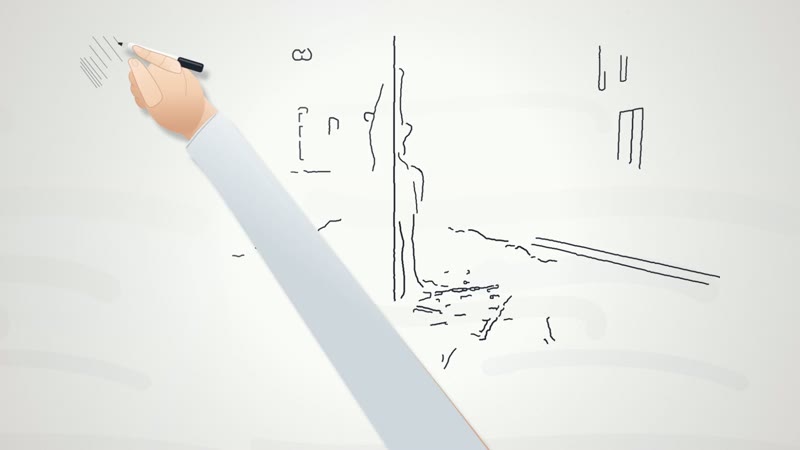 1. First lines
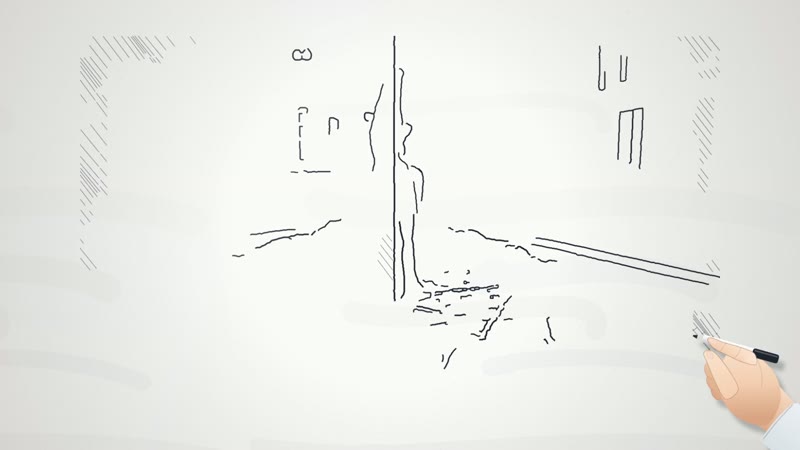 2. The sketch grows
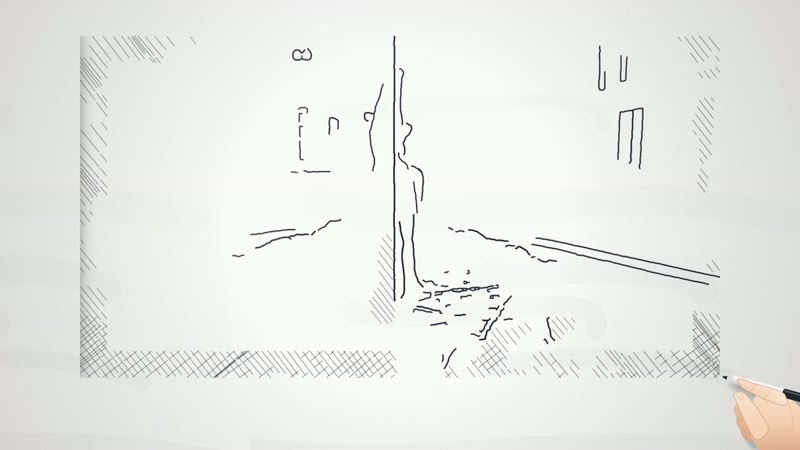 3. Shading
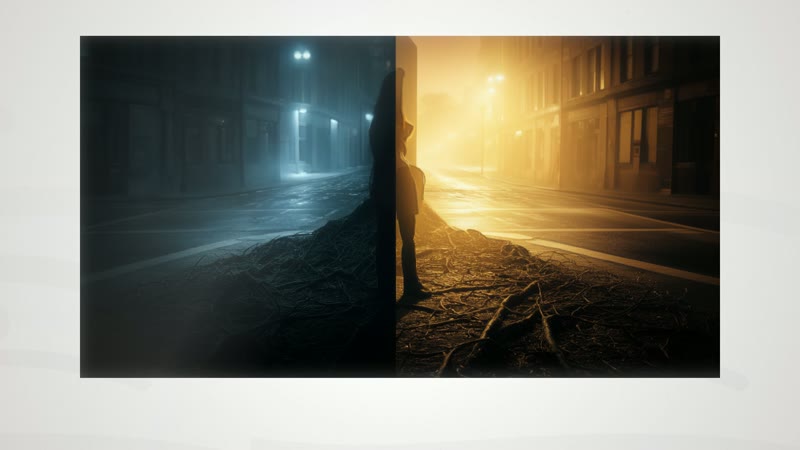 4. The real picture
In ordinary videos too. The same drawing is a photo treatment called Sketch reveal. It draws the picture a shot already has, so it costs no new image, in marker, pencil or chalk. See photo treatments
Each board brings its own pen and ink. The same drawing is shown on every one below.
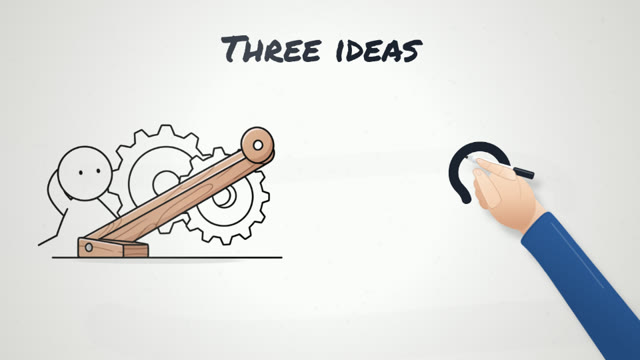
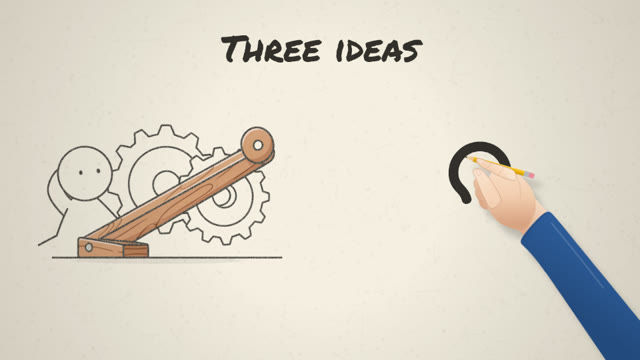
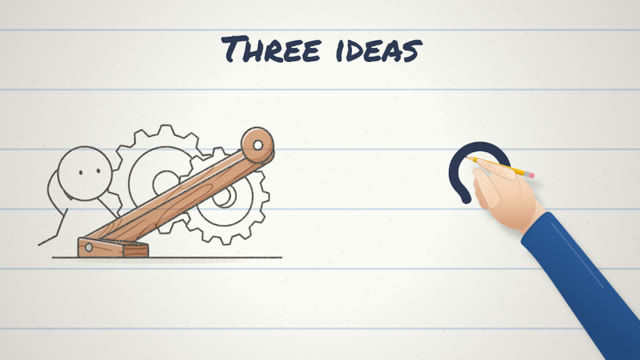
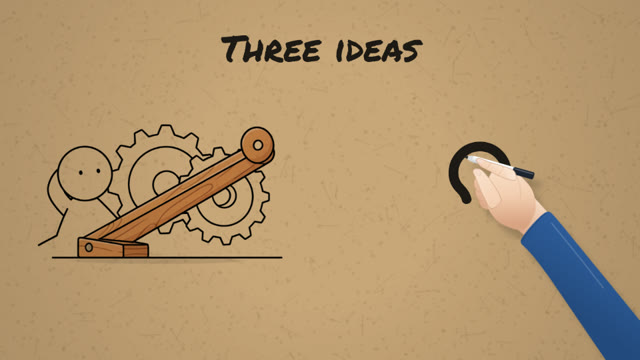
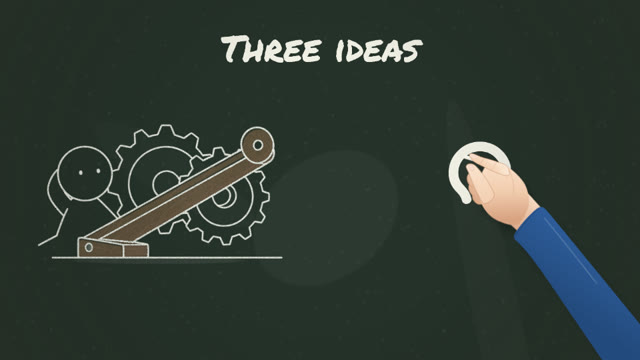
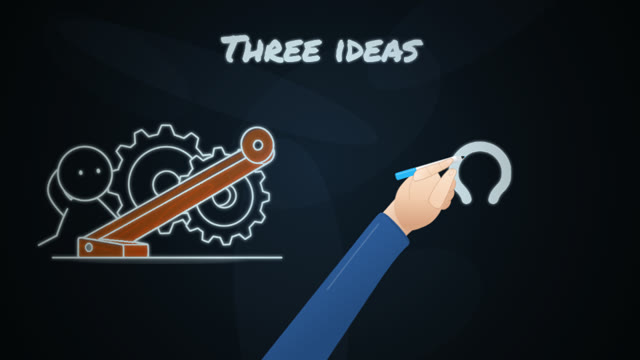
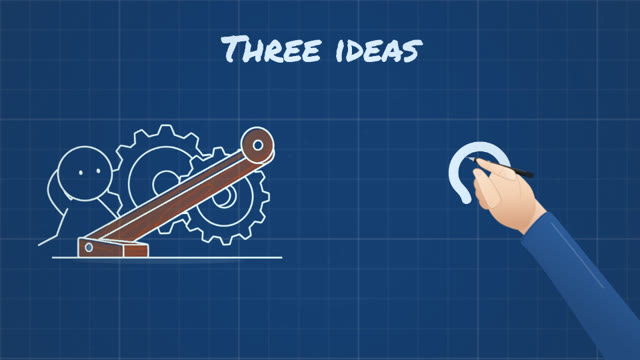
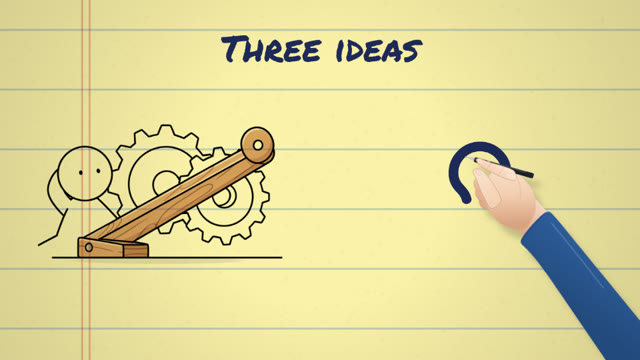
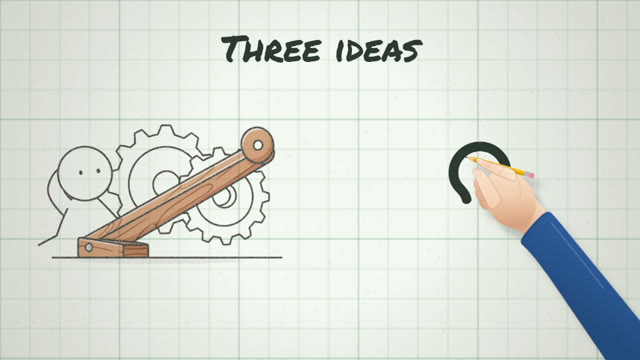
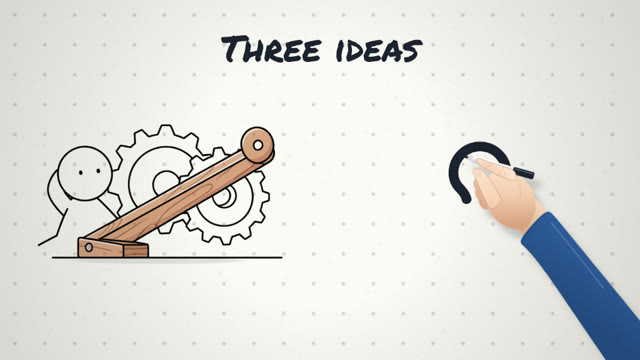
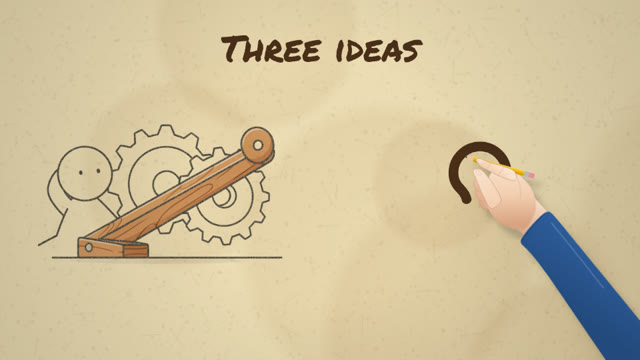
Set the look with a live preview in the wizard, and change it in the panel beside the picture at any time.
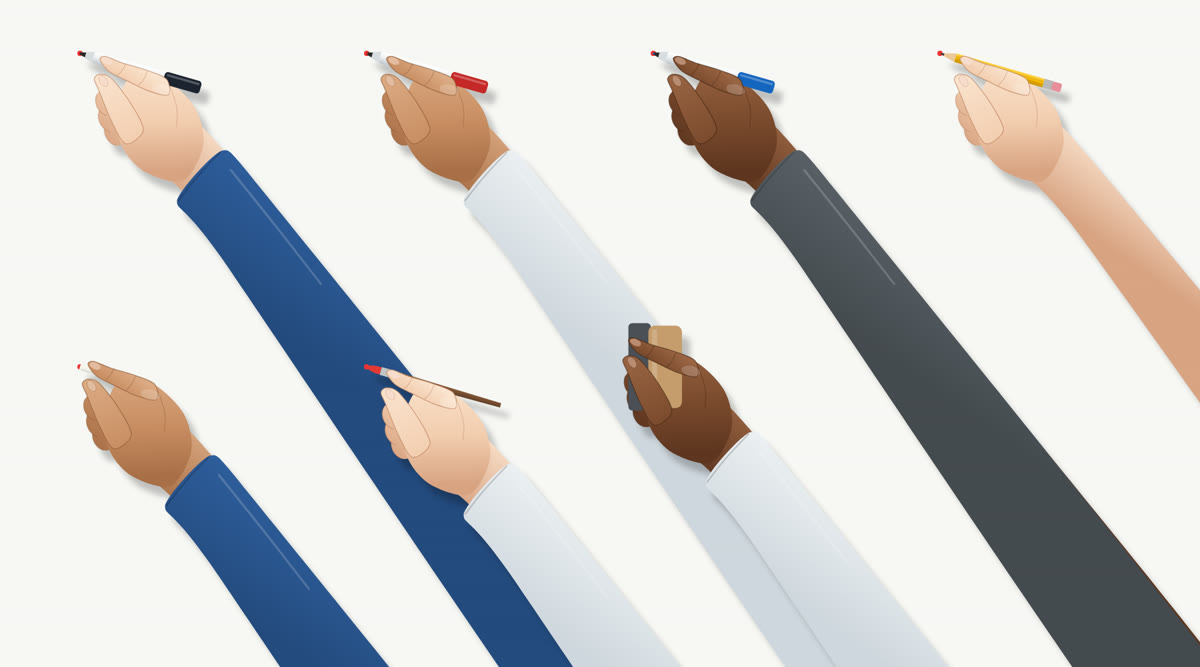
A hand in three skin tones, with a blue, white or grey sleeve or a bare arm. Or the pen on its own, your own uploaded hand, or nothing, so the lines draw themselves.
Scribbled in by a brush, washed in under a brush edge or faded in. Or stay with lines only. Auto picks for each picture.
One at a time, Close-ups, Whole page, or Pan along one long board.
The camera moves on to a fresh part of the board, or a felt eraser wipes it clean. End on a pull back to the whole board, or stay on the last page.
A marker's rasp, a pencil's hiss, chalk's grit, made from the hand's own movement. It dips whenever someone speaks. Off, Subtle or Normal.
Your own or stock video on a board is drawn from a still frame, then plays in place.
Make the whole video with Auto fill, or go board by board with Generate assets and Draw board. A live count shows how many pictures are made, then how many boards are drawn.
The Boards step shows every board first. No picture is made and no video is counted until you press Auto fill.
Change what is drawn and on which word, add or remove things, or swap in your own picture.
Split one board into two or merge two into one. Their voice is made again to match.
Plan again gives one board a fresh take that keeps to the rest of the video. Every other board stays exactly as it is.
Every board plays in its own preview with its voice, so you can check it without exporting.
On the timeline, drag anything on the Drawn track and it lands on the nearest word.
Font, size, colours, highlight and background, animation and position. Boards lay themselves out clear of the captions.
Change the order the parts of any picture are drawn in, so the idea builds the way you tell it.
A new Doodle group in the picture styles holds every style a board draws well, with eight new ones. Each draws one subject on plain white, so the hand draws it cleanly on any board. They work in ordinary videos too.
In Urdu and Arabic the hand writes from the right, line by line, in Nastaliq for Urdu and Naskh for Arabic, and goes back to dot each word as a writer does. Charts run from the right too.
The Doodle Director writes its notes in the language of your narration and describes its pictures in English for the image model. Other languages keep their own words too.
What it does, what you need and what it costs.
The whiteboard animation tool in Vid Optimus. Give it a script or a recording and a hand draws your video on a board as it is spoken: pictures sketched and coloured in, words written letter by letter, and icons, arrows and charts drawn as they are said. It has its own place in the sidebar, called Doodle, with its own home, wizard and timeline.
Yes. Doodle Maker makes whiteboard animation, also called doodle or explainer videos. The whiteboard is one of eleven boards, alongside paper, a chalkboard, a glassboard, a blueprint and more.
No. You bring the script or the recording, and your narration is never rewritten. The Doodle Director plans what is drawn. The short notes it writes on the board are its own words, in the language of your narration, and it never adds a figure you did not say.
Yes. Start from your own recording instead of a script. It is cut into boards, and everything is planned on your own timing. Your recording needs transcribing, with a Groq or OpenAI key.
Yes. Pictures are made as AI line art, and on the Boards step you can replace any of them with your own. You can also put your own or stock video on a board: it is drawn from a still frame, then plays in place.
Yes. Line art and stick figures are drawn along their own lines, flat cartoons edge by edge. Photos, 3D renders, paintings and dark night scenes are sketched first, then their colour comes in. The Sketch reveal photo treatment brings the same drawing to ordinary videos.
Far fewer than an ordinary video. Up to about 6 in every 10 things drawn are pictures, depending on your script. Words, icons and charts make up the rest and cost nothing to draw. Nothing is made until you press Auto fill.
A language model key for the Doodle Director, and an image provider for AI pictures, or the Vidoptimus Image Server on your own graphics card. The built-in voice needs no key.
Yes. The hand writes from the right, line by line, in Nastaliq for Urdu and Naskh for Arabic, and goes back to dot each word as a writer does. Charts run from the right too. Other languages keep their own words.
Yes. Pick 9:16 for Shorts and Reels or 16:9 for YouTube. Each board lays itself out for the shape you choose.
Yes. Exporting also saves an .srt beside the MP4, with the same name, and the Subtitles button saves one without rendering anything.
The video carries on. A picture that fails is written as words until you try it again, and Auto fill can be stopped and continued.
It counts as one video, from the moment you press Auto fill. During the free trial that is one of your 3 videos a day. Paid plans have no limit.
Free for 7 days. No card needed. Works on Windows and macOS.